
Key Takeaways
- A KDP cover template provides exact dimensions, bleed areas, and spine calculations for print books.
- Using a KDP cover template ensures your cover meets Amazon’s technical specifications.
- Properly designed covers prevent costly rejections and launch delays on KDP.
- Cover design is a crucial profit lever, not just a checklist item for publishing.
Table of Contents
- Cover Design Is a Profit Lever, Not Just a Checkbox
- KDP Cover Template Fundamentals, What They Are and Why Margins Depend on Getting Them Right
- How to Use KDP’s Official Cover Calculator and Template Tools, Step-by-Step, Zero Guesswork
- KDP Cover Template Generators and Design Tools, Choosing the Right Workflow for Operational Efficiency
- Designing Print-Perfect Covers, SOPs for Pro-Grade Results
- Photoshop Cover Design Workflow
- Beyond Templates, Barcode, ISBN, and Cover Calculators for Scaling Operations
- Cover Template Best Practices, Boosting Conversion, Protecting Margins
- Troubleshooting and Optimization, From Rejected Uploads to Seamless KDP Approval
- Advanced Use Cases, Scaling, Updating, and Outsourcing Cover Creation
- Your Cover Template Flywheel, Systemize, Scale, Win
Cover Design Is a Profit Lever, Not Just a Checkbox
Cover design is a crucial profit lever, not just a checklist item for publishing. For sellers looking to maximize their Amazon business, joining the Best Amazon Seller Mastermind can provide invaluable insights and support for scaling your publishing operations.
KDP Cover Template Fundamentals, What They Are and Why Margins Depend on Getting Them Right

A KDP cover template includes your front cover, back cover, spine, and critical bleed areas in one unified file. For paperbacks, you’re working with a wraparound design where spine width fluctuates based on page count and paper type. Ebooks only require front covers, but print books demand millimeter-perfect precision. If you want to connect with experienced sellers and designers for advice on optimizing your KDP cover template workflow, expert guidance is available. For additional income opportunities, explore our how to make 1 000 a week from home guide for practical strategies.
| Format | Required Elements | File Specs | Critical Measurements |
|---|---|---|---|
| Paperback | Front, back, spine, bleed | PDF/PNG, 300 DPI, CMYK | 0.125″ bleed, variable spine |
| Hardcover | Dust jacket or case laminate | PDF/PNG, 300 DPI, CMYK | 0.125″ bleed, thicker spine |
| Ebook | Front cover only | JPEG/PNG, 300 DPI, RGB | 1600×2560 minimum |
Hitting template specs protects against three profit drains: resubmit delays (average 3-5 days lost), Amazon print penalty fees for quality issues, and 1-star reviews from printing defects. Color mode errors alone account for 31% of rejected uploads, directly impacting your launch timeline and cash flow velocity, which is why strategies like target liquidation pallets can help offset unexpected setbacks.
How to Use KDP’s Official Cover Calculator and Template Tools, Step-by-Step, Zero Guesswork
Amazon’s Cover Calculator generates your exact template in under 2 minutes. Navigate to KDP’s Cover Calculator, input your trim size, page count, paper type, and bleed preferences. The system calculates spine width automatically and provides a downloadable PDF template. For extra earning ideas beyond publishing, see our best items to resell for profitable side ventures.
Step-by-step SOP:
- Log into KDP and access the Cover Calculator tool
- Select trim size (6×9, 5.5×8.5, etc.) based on your niche standards
- Enter exact page count from your formatted interior
- Choose paper type: white or cream affects spine thickness
- Download template and save as: SKU_ISBN_trimsize_date.pdf
Profit Impact: Setting trim size incorrectly creates barcode margin risks. A 0.1″ miscalculation can push your barcode into the spine area, triggering automatic rejection and 3-7 day delays.
Page count directly affects spine width, add pages and your spine expands, potentially breaking your design layout. Always finalize your interior before generating cover templates to avoid costly redesigns.
KDP Cover Template Generators and Design Tools, Choosing the Right Workflow for Operational Efficiency
Amazon’s Official Calculator – Maximum Accuracy
Best for: High-volume sellers prioritizing zero-error compliance
Amazon’s native tool guarantees spec accuracy since it’s directly integrated with their printing systems. Updates automatically reflect any specification changes, eliminating guesswork on bleed requirements or spine calculations.
Bookow Cover Generator – Design Integration
Best for: Teams using design software with template import needs
Provides multiple file formats (PDF, PNG, IDML) for seamless Photoshop and InDesign integration. Includes guides and layers that lock template boundaries, preventing accidental modifications during design.
KDP Wizard – Batch Processing Power
Best for: Sellers launching 5+ titles simultaneously
Handles bulk template generation with consistent naming conventions. One Titan Network seller reduced cover creation time from 90 to 30 minutes per title by batch-processing templates for entire series launches.
Titan-Recommended Tech Stack: Use Amazon’s calculator for critical launches, Bookow for design team workflows, and KDP Wizard for bulk operations. Never rely on single-source tools for business-critical processes.
Third-party generators excel at workflow optimization, but Amazon’s official calculator remains the compliance gold standard. Balance efficiency gains against accuracy requirements based on your launch volume and team structure. For more insights on optimizing your publishing workflow, explore this blog with actionable strategies for Amazon sellers.
Designing Print-Perfect Covers, SOPs for Pro-Grade Results

Import your KDP cover template as a locked background layer in your design software. This prevents accidental resizing and maintains critical measurements throughout your design process. Set up guides at bleed lines and safety margins before adding any design elements, or explore creative merchandising options like the amazon mystery box near me to expand your product lineup.
5-step process for major design tools:
- Template Setup: Import as background layer, lock positioning
- Color Management: Force CMYK mode, embed color profiles
- Typography: Embed all fonts, maintain 0.0625″ minimum from spine edges
- Bleed Extension: Extend background colors/images to bleed lines
- Export Settings: PDF/X-1a
Photoshop Cover Design Workflow
- Import template as Smart Object to prevent distortion
- Set Color Mode to CMYK and Resolution to 300 DPI
- Create guides at 0.125″ bleed lines and spine boundaries
- Design with text 0.0625″ minimum from spine edges
- Export as PDF/X-1a:2001 preset for upload compliance
Canva KDP Template Setup
Upload your KDP cover template as background, then lock the layer to prevent accidental edits. Canva’s drag-and-drop interface works well for text-heavy covers, but ensure fonts embed properly by downloading as PDF Print format.
Affinity Publisher Precision Controls
Affinity excels at spine text management with precise kerning controls. Set up master pages with your template guides, then apply consistent typography across front, spine, and back elements. The software’s CMYK preview prevents color shift surprises.
Critical Pitfall: Never use facing pages for KDP covers. Amazon requires single-page wraparound files. Facing page setups create automatic rejection during upload processing.
Color mode compliance prevents 89% of rejection issues. Force CMYK color space before design begins, not during export. RGB-to-CMYK conversions shift colors unpredictably, especially reds and bright blues that look different in print.
Beyond Templates, Barcode, ISBN, and Cover Calculators for Scaling Operations
Bulk barcode generators streamline multi-SKU launches by automating ISBN-13 positioning and sizing. Your barcode must sit 0.25″ from all edges with 0.1″ quiet zones. Positioning errors trigger immediate rejections, delaying launches by 3-7 days during review cycles.
SOP for batch barcode preparation:
- Generate barcodes at 1.2″ x 0.8″ minimum size
- Position in bottom-right corner with proper margins
- Embed as vector graphics, never rasterized images
- Test scan readability on proof copies before bulk printing
ISBN metadata hyphenation affects library and retailer ordering systems. Use official ISBN hyphenation tools to format your 13-digit code correctly. Incorrect formatting creates discoverability issues that impact long-term sales velocity beyond Amazon’s platform.
Profit Lever Unlocked: A Titan Network team reduced cover prep labor by 70% using automated spine calculators for batch processing. They now process 12 covers in the time previously required for 4 manual calculations.
Cover PDF calculators automate spine-plus-tolerance math across variable page counts. Input your series page counts, and the calculator outputs precise spine widths for consistent branding across multiple titles. This prevents design inconsistencies that dilute brand recognition. For additional tips on scaling your Amazon publishing business, check out this blog on advanced operational strategies.
Cover Template Best Practices, Boosting Conversion, Protecting Margins

High-conversion kdp cover templates follow proven CRO patterns: sans-serif fonts for spine readability, high contrast color schemes that pop in thumbnail views, and hierarchical typography that guides the eye from title to author to subtitle.
Compliance checks using KDP’s preview tool catch misalignments before costly reprints. Order 1-3 proof copies for every new design template to verify color accuracy, text sharpness, and spine alignment. Physical proofs reveal issues digital previews miss, especially color shifts and text bleeding.
5-step QA checklist before upload:
- Verify CMYK color profile and 300 DPI resolution
- Check text placement 0.0625″ minimum from bleed lines
- Confirm barcode positioning and quiet zone compliance
- Test spine text visibility at minimum page count thresholds
- Export using PDF/X-1a preset for print compatibility
Titan System Advantage: Peer review in mastermind groups surfaces conversion-boosting design insights you’ll miss working solo. Members share A/B test results and niche-specific design patterns that drive measurable improvements. To stay updated on the latest Amazon seller events and mastermind opportunities, visit Titan Network Events.
Systematize proof cycles by batching reviews across multiple titles. Order proofs for 3-5 covers simultaneously, review as a team, and document findings in master SOPs. This approach optimizes cash flow timing and creates reusable design standards.
Troubleshooting and Optimization, From Rejected Uploads to Seamless KDP Approval
Amazon KDP error messages decode specific technical failures in your cover files. Resolution errors, incorrect color profiles, and embedded crop marks account for 73% of rejection reasons. Understanding these error patterns enables rapid diagnosis and fixes. For official troubleshooting guidance, refer to KDP’s help documentation.
| Error Message | Root Cause | Tactical Fix | Resolution Time |
|---|---|---|---|
| “Image resolution too low” | Sub-300 DPI export | Re-export at 300+ DPI | 15 minutes |
| “Color profile unsupported” | RGB instead of CMYK | Convert to CMYK, re-export | 30 minutes |
| “Bleed area incorrect” | Missing 0.125″ margins | Regenerate template, redesign | 2-4 hours |
| “File format invalid” | Unsupported file type | Export as PDF or PNG | 10 minutes |
Cost of rejection errors compounds during peak seasons. A single cover rejection during Q4 can delay launches by 5-7 days, costing $15,000-$25,000 in lost sales for established titles. Always run final PDFs through KDP’s preview system before mass release.
Escalation Protocol: When uploads remain stuck after standard fixes, Titan’s accountability pods provide rapid peer troubleshooting. Members share successful resolution tactics for complex rejection scenarios. For more troubleshooting tips and seller experiences, read this blog on overcoming common KDP challenges.
Advanced Use Cases, Scaling, Updating, and Outsourcing Cover Creation
Rapid catalog updates require systematic template management across large inventories. Holiday revamps, niche split tests, and rebranding initiatives demand streamlined workflows that minimize design bottlenecks while maintaining quality standards. To further enhance your skills, consider attending Titan Network Workshops for hands-on training and expert-led sessions.
Multi-SKU launch scenarios requiring template systems:
- New product lines needing 5-12 coordinated covers
- Regional market rollouts with localized branding
- Bestseller re-launches with updated positioning
- Series branding across 10+ related titles
| Outsourcing Element | Required Files | Briefing Documentation | Quality Control |
|---|---|---|---|
| Template Setup | KDP calculator output, brand guidelines | Trim size specs, page count ranges | Bleed verification checklist |
| Design Creation | Logo files, font licenses, image assets | Brand voice, competitor analysis | Proof cycle requirements |
| File Preparation | Raw design files, export presets | Color profile standards, naming conventions | Upload-ready validation |
SOPs for designer handoffs eliminate revision cycles that drain profitability. Provide complete kdp cover template files, detailed brand guidelines, and competitor reference materials upfront. This prevents back-and-forth communications that extend project timelines.
ROI Tipping Point: Move to professional designers when launching 8+ titles monthly or when revision costs exceed $200 per cover. Track total design hours including reviews, revisions, and upload preparation to calculate true cost per launch.
Template versioning systems enable rapid updates without starting from scratch. Maintain master template files with modular text layers, swappable background elements, and consistent spine formatting. This approach reduces new cover creation time from 4 hours to 45 minutes.
Your Cover Template Flywheel, Systemize, Scale, Win
Clean, compliant kdp cover templates unlock faster launches, protect margins, and eliminate wasted spend on rejected uploads. The systematic approach outlined here transforms cover creation from creative bottleneck into operational advantage.
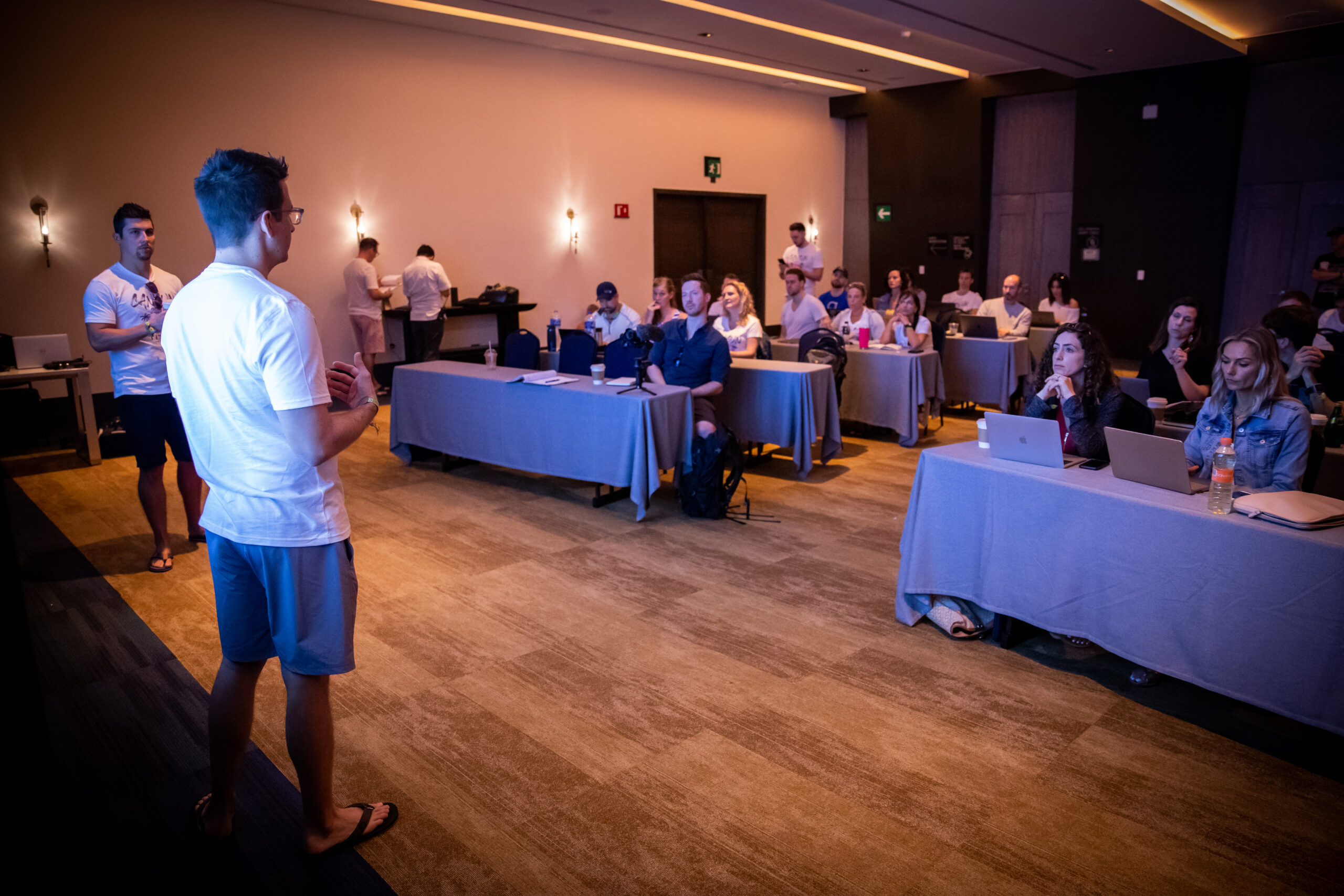
Peer review through Titan Network’s mastermind groups provides your “always up-to-date” competitive edge. Members share real-time insights on Amazon’s evolving requirements, successful design patterns, and cost-saving workflow optimizations that solo operators miss.
Immediate action steps for template mastery:
- Download and organize KDP calculator templates for your core trim sizes
- Establish CMYK color profiles in your design software
- Create proof ordering SOPs for quality validation
- Document successful design patterns for team replication
The sellers who dominate automate compliance, batch review processes, and never operate in isolation. Titan Network’s SOP libraries and accountability systems ensure you stay ahead of platform changes while maintaining operational efficiency at scale. For additional official resources on KDP cover requirements, visit Amazon’s KDP Help Center.
Scale with Confidence: Access Titan’s complete cover creation SOPs, designer vetting checklists, and peer troubleshooting network. Transform your publishing operations from reactive to systematically profitable.
Frequently Asked Questions
What are the essential components included in a KDP cover template for print books?
A KDP cover template for print books includes the front cover, back cover, spine, and bleed areas combined into one file. This wraparound design accounts for variable spine width based on page count and paper type, ensuring precise alignment and print accuracy.
How does using KDP’s official Cover Calculator tool help prevent publishing delays and rejections?
KDP’s Cover Calculator provides exact dimensions and spine measurements tailored to your book’s specifications, eliminating guesswork. Using it ensures your cover meets Amazon’s technical requirements, reducing costly resubmissions and launch delays caused by incorrect sizing or bleed errors.
Why is precise spine width calculation important when designing a KDP paperback cover?
Spine width directly depends on page count and paper type, affecting how the front, back, and spine elements align. Accurate spine measurement prevents misaligned text or graphics, avoiding print errors that lead to rejections and wasted production costs, protecting your margins.
What file specifications and color modes are required to meet Amazon KDP’s cover upload standards?
For print covers, KDP requires PDF or PNG files at 300 DPI in CMYK color mode with a 0.125″ bleed. Ebooks require JPEG or PNG files at 300 DPI in RGB color mode with minimum dimensions of 1600×2560 pixels to ensure print and digital quality compliance.